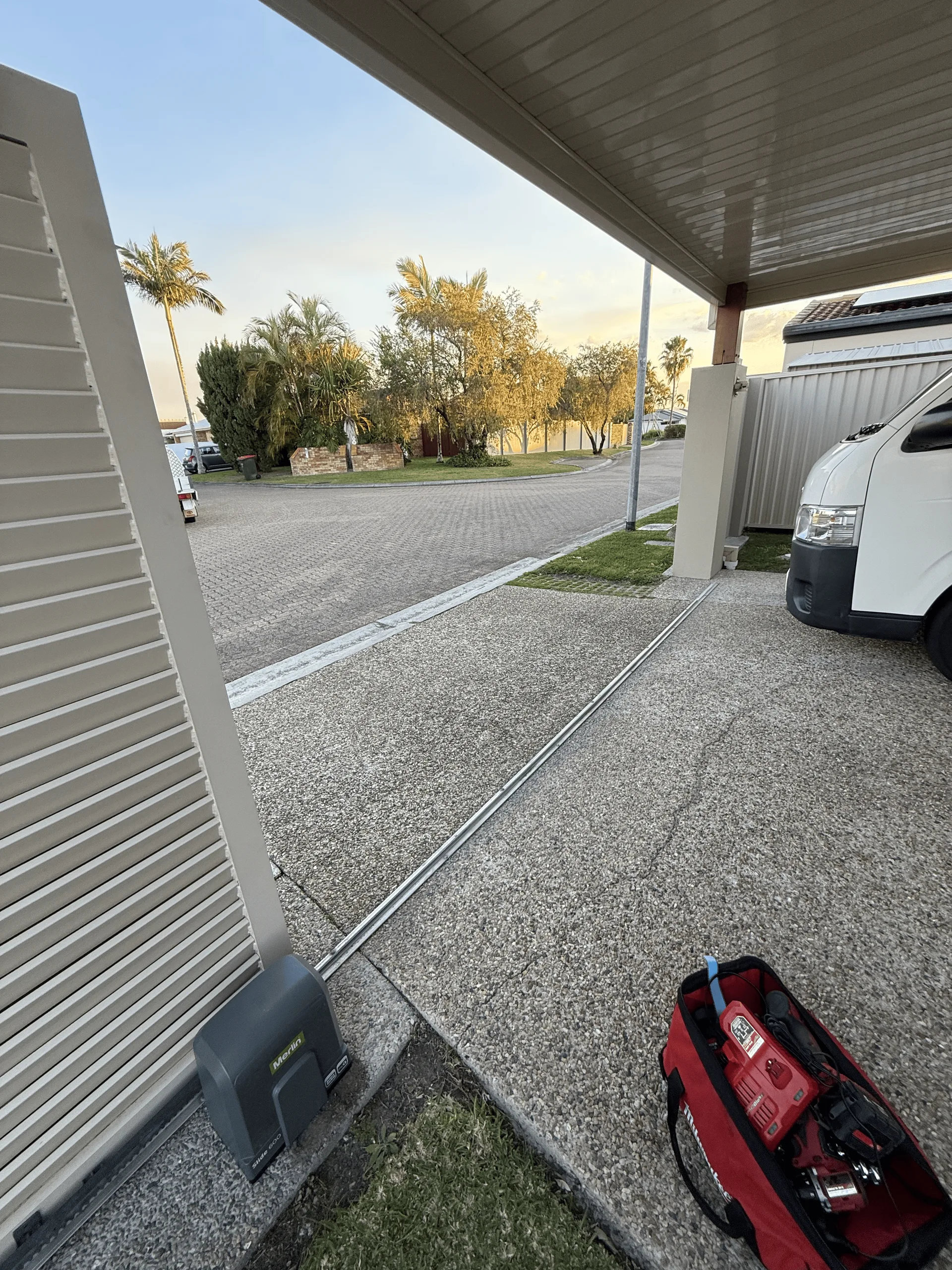
Before calling anyone out, it helps to work through the same checks a technician would ask about on the phone — in the right order, so you don't waste time on the wrong one first. This is a troubleshooting sequence, not a list of possible faults: do each step, test the gate, and only move to the next one if it still isn't working. For an explanation of what's actually causing each fault, see our guide to common Centsys gate motor problems.
Step 1: Rule Out the Remote
This is the cause more often than anything else on this list, so start here even if it feels too obvious.
- Swap in a fresh, known-good battery — not one from another remote that might also be flat.
- Try a second remote if you have one. If the second remote works, the first remote or its battery is the fault — not the motor.
- If no remote works, the receiver may have lost its programming after a power interruption — move on to Step 2 rather than trying to reprogram it yet.
Step 2: Confirm the Motor Has Power
No remotes working is often a power problem, not a remote problem.
- Check the isolator switch near the motor hasn't tripped or been switched off.
- Check the relevant circuit breaker inside the house or meter box.
- If there was a recent blackout, the motor may be running on a backup battery that's too weak to complete a cycle — a gate that works slowly, partially, or only sometimes after an outage is a battery symptom, not a motor fault.
Step 3: Check the Safety Beams
If the motor has power but the gate stops, reverses, or refuses to move at all, the safety beams (photocells) are the next most likely cause — they're designed to stop the gate the moment anything blocks them.
- Wipe both beam lenses with a soft, dry cloth — dust, webs and grime are the single most common cause of a blocked beam.
- Check nothing has grown into the beam path — garden growth around posts is a common culprit after a few weeks of no trimming.
- Look for a knocked bracket — a beam pair has to be pointed directly at each other, and a bump from a car or trolley is enough to throw the alignment off.
Step 4: Look for a Physical Obstruction
If the motor hums or strains but the gate doesn't move, don't keep hitting the remote — check the track or swing path for anything blocking it first: gravel build-up, a branch, a toy, or (on sliding gates) debris jammed in the rack. Repeatedly triggering a motor that's fighting an obstruction puts unnecessary load on the drive components for no benefit.
Step 5: One Power Cycle
If none of the above resolved it, a single power cycle clears some minor faults: switch off the isolator (or disconnect the backup battery) for about 30 seconds, then reconnect. Test the gate once. If it works, you're done — if it doesn't, or the fault comes straight back, stop here rather than repeating the cycle.
Step 6: Stop and Call a Technician
If the gate is still misbehaving after the five steps above, the fault is inside the motor housing, the control board, or needs force/limit settings recalibrated — none of which are safe or sensible to attempt yourself. Opening the housing, reprogramming the board, or adjusting force settings without testing obstruction detection afterwards is a genuine safety risk around cars, pets and kids. Note anything you noticed along the way — an LED flash pattern, a sound, when it started — and pass that on; it speeds up the diagnosis considerably.
What a Technician Checks Next
Past the steps above, a technician tests the control board and motor under load, the backup battery's actual charge (not just whether it's connected), the receiver and remote programming, the beams with a proper alignment check, and the physical gate — hinges, rollers, track and rack — since a mechanical fault upstream is often what caused the electrical symptom in the first place. For what each of those faults typically means, see our Centsys common faults guide, and if it's specifically a sliding gate that won't move, our sliding gate troubleshooting guide covers that case in more depth.
Fortex repairs and services Centsys, Centurion and other gate automation brands across the Gold Coast — details on our gate motor repairs and automation service page.
Troubleshooting FAQ
What order should I troubleshoot a Centsys gate motor in?
Start with the cheapest, fastest checks first: remote battery, mains power and the isolator switch, then the safety beams, then a single power-cycle reset. If the gate still isn't working after those four steps, stop — anything further involves the control board or motor internals and needs a technician.
Is it safe to open the Centsys motor housing myself?
No. Opening the housing exposes mains wiring and the control board, and most warranties are voided by unauthorised access. Everything you can safely check is outside the housing — remote, isolator, beams and the external reset.
How many times should I try the remote before assuming it's broken?
Two or three tries with a fresh battery is enough. Repeatedly mashing the remote when the gate isn't responding doesn't fix anything and, if the motor is actually straining against an obstruction, can add unnecessary load to the drive components.
My Centsys gate worked fine yesterday and now does nothing — what changed?
A sudden total failure (not a gradual slowdown) usually points to power — a tripped isolator, a blown fuse, or an outage that drained a weak backup battery faster than it recovered. Check power first; it resolves this pattern more often than a motor fault does.
Should I keep resetting the motor if the first power cycle doesn't work?
No. One power cycle is a reasonable troubleshooting step. Repeating it over and over doesn't reveal anything new and can make it harder for a technician to tell what the original fault was. If the first reset doesn't hold, move to calling a technician rather than cycling it again.
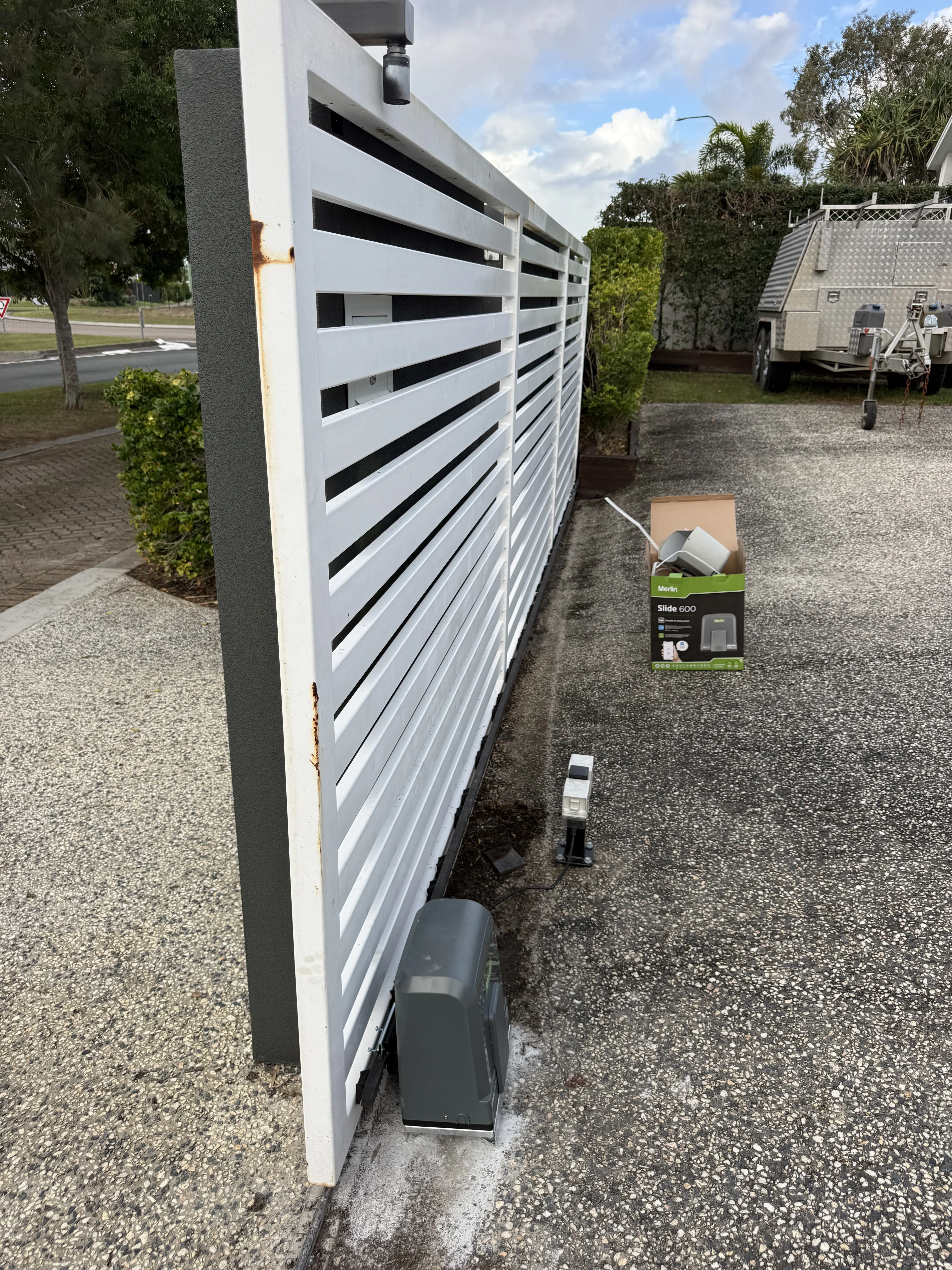
Worked through the steps and still stuck?
That's the point where a technician on site beats more guesswork — a call gets someone looking at the actual fault instead of you working through it part by part.